
The whole point
A simple, elegant machine that lets you love your work again.
Less time with documents and everything else. More time doing the thing you trained for, with the person in front of you. Every screen here was photographed this week from the software itself.
The hour
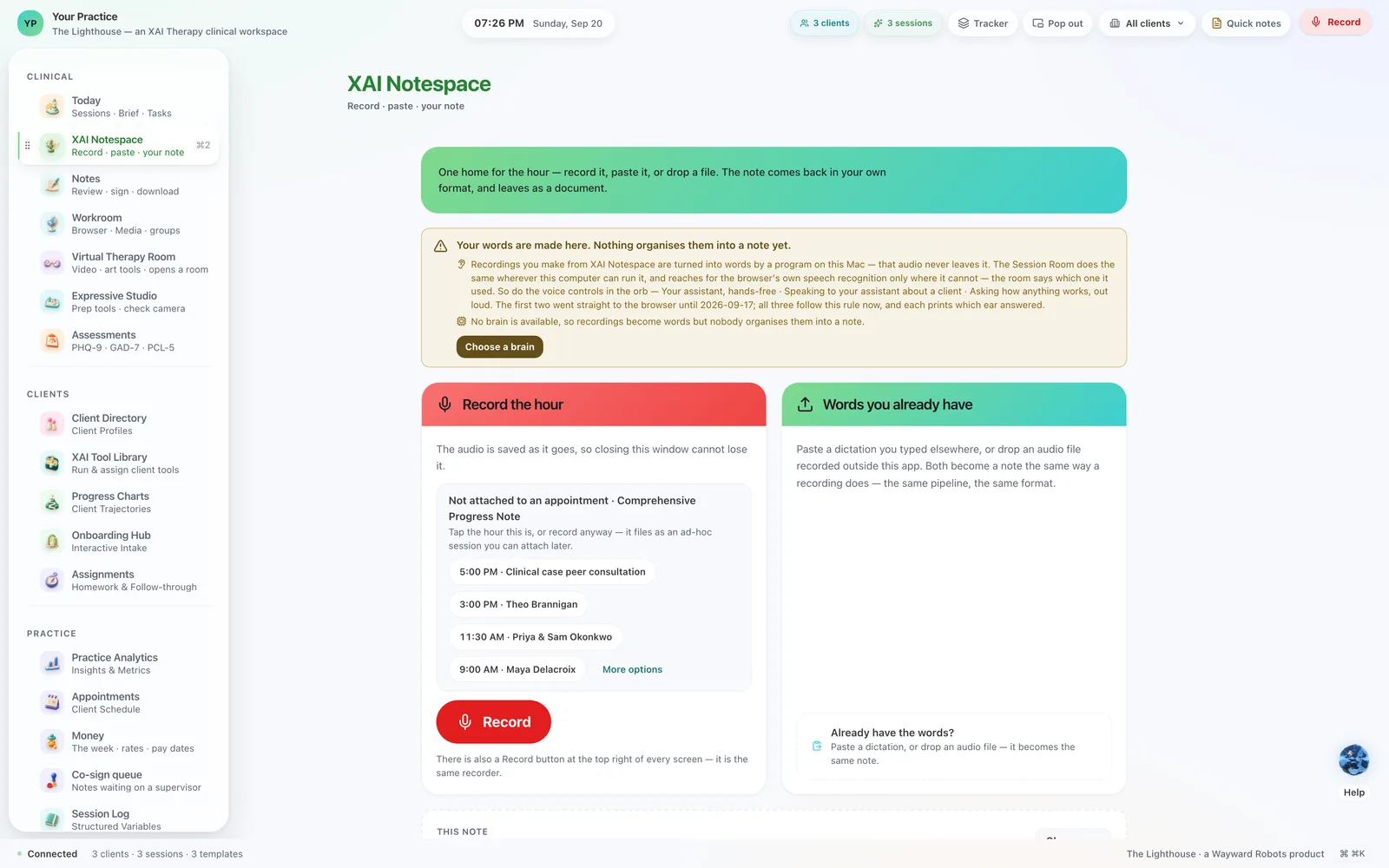
Press record. Close the laptop. The note is waiting for you.
The audio goes to a program running on your machine, the words come back, and a draft arrives in your document — the one you designed, with your sections and your wording. The transcript and the audio are written to disk before the recorder is even told to stop, so a closed lid is just a closed lid.
What makes it trustworthy
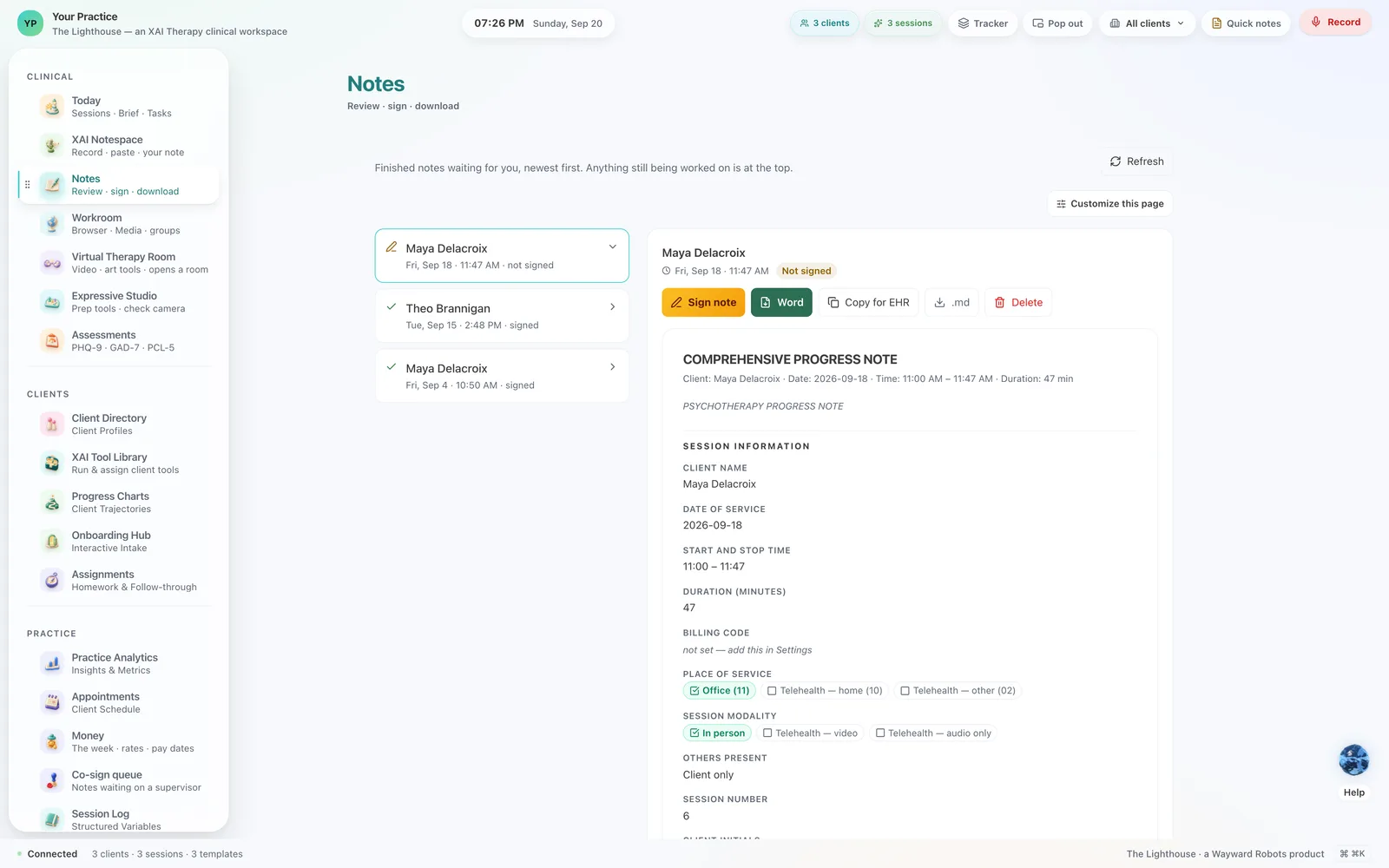
Every sentence stands on a line of the hour.
A note is only as good as what it can point at. Each line drawn from the session carries the transcript it came from, and you can follow any sentence back to the moment it was said. Risk, diagnosis and medical necessity stay yours: anything drafted in that territory arrives marked for your decision, and your signature is the thing that makes it a record.
Where the record lives
In your building. Where it belongs.
The Lighthouse installs on your own computer and keeps its database there, the way a filing cabinet lives in the room it serves. Your backups go to the places you choose, encrypted with a key that is yours, and a cloud model is a guest you invite for one task at a time. Every answer on the screen says where it ran — on this Mac, in this browser window, or at a company you named.
The room
A video room that is also a sand tray.
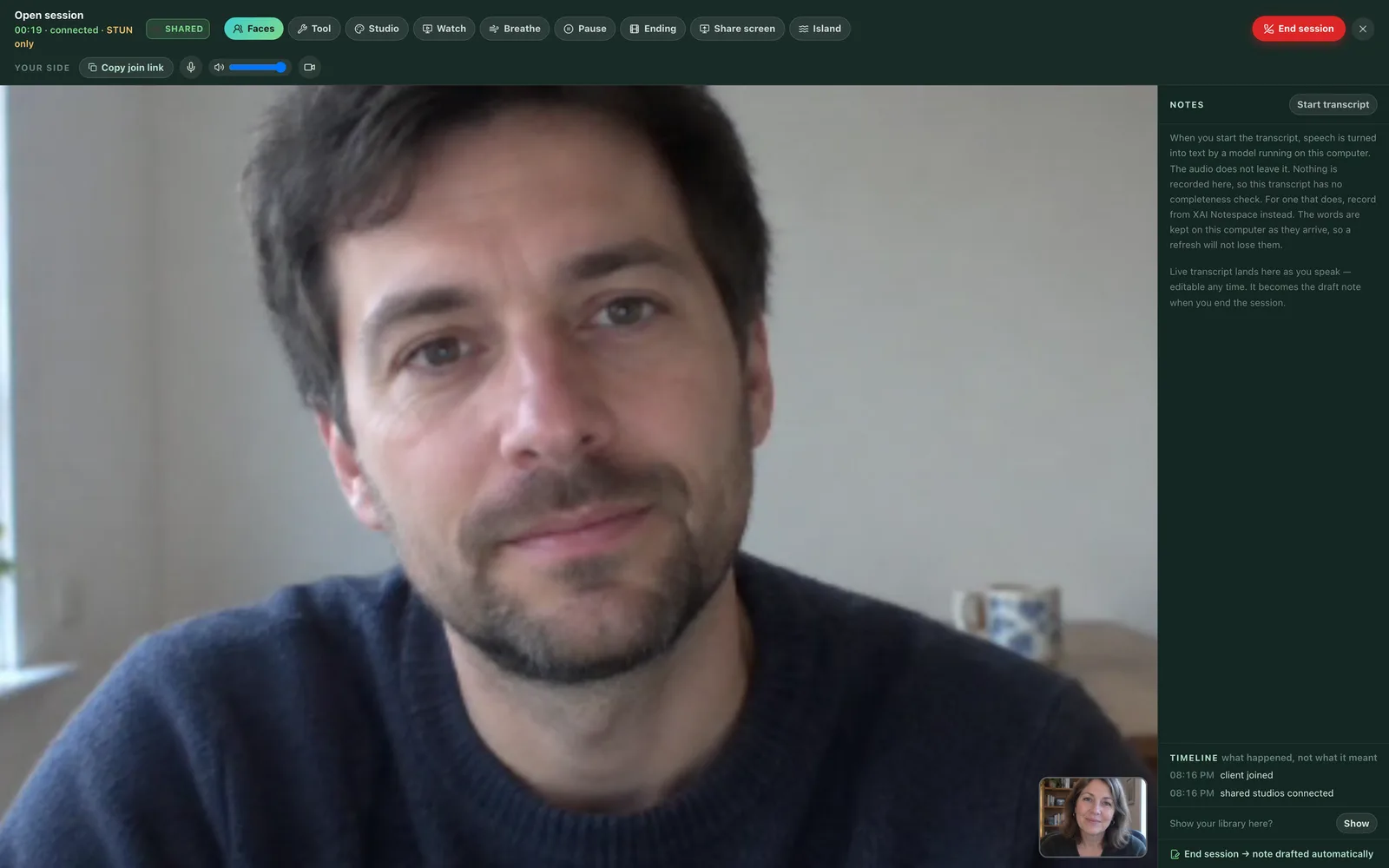
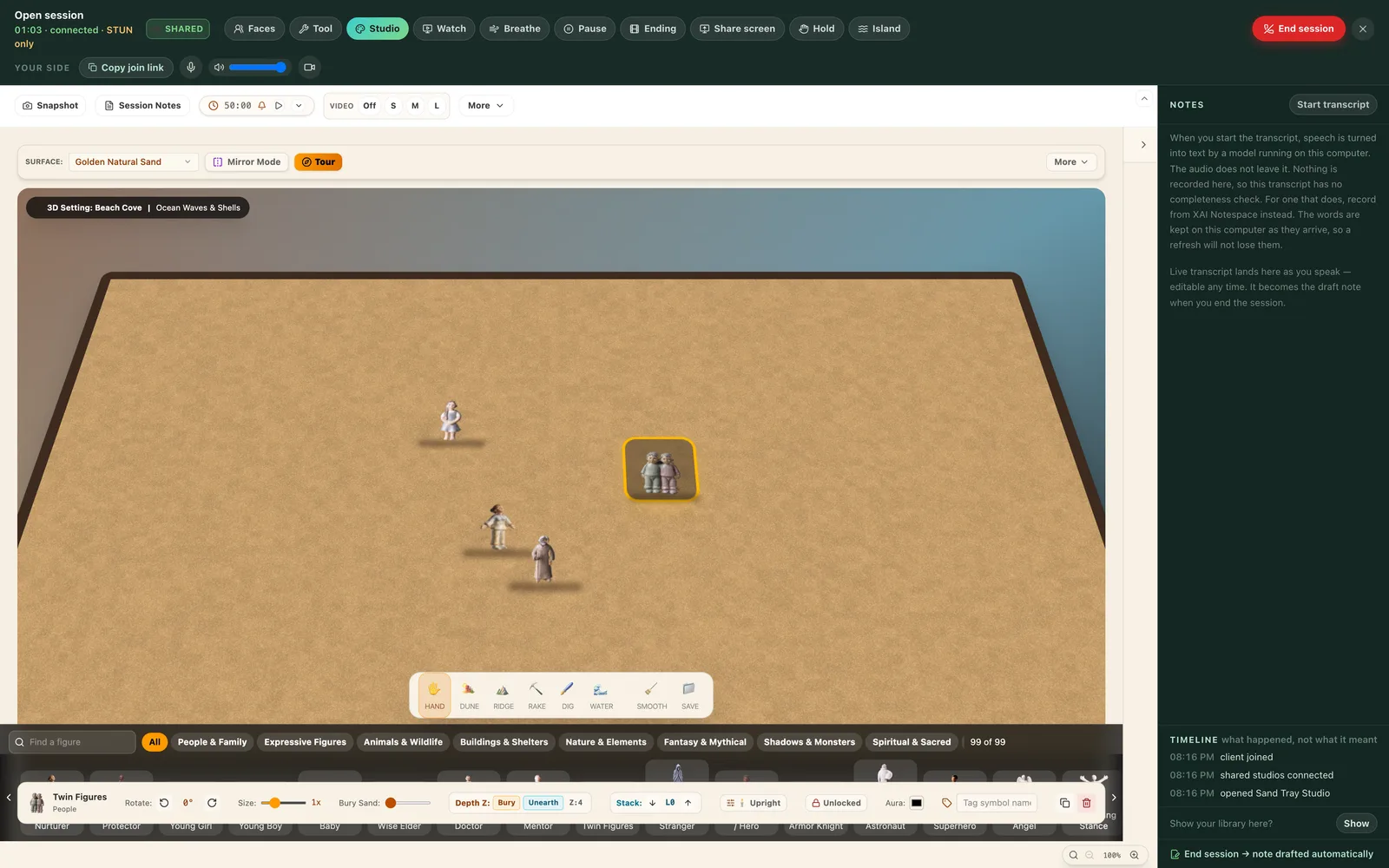
Telehealth with the tools inside it. Build something in the tray and it appears on their screen as you build it, because the state really crosses the wire. The transcript arrives live beside the room, and the note is drafted the moment the session ends. Your client opens a link — whatever browser is already on the phone in their hand.
The studio
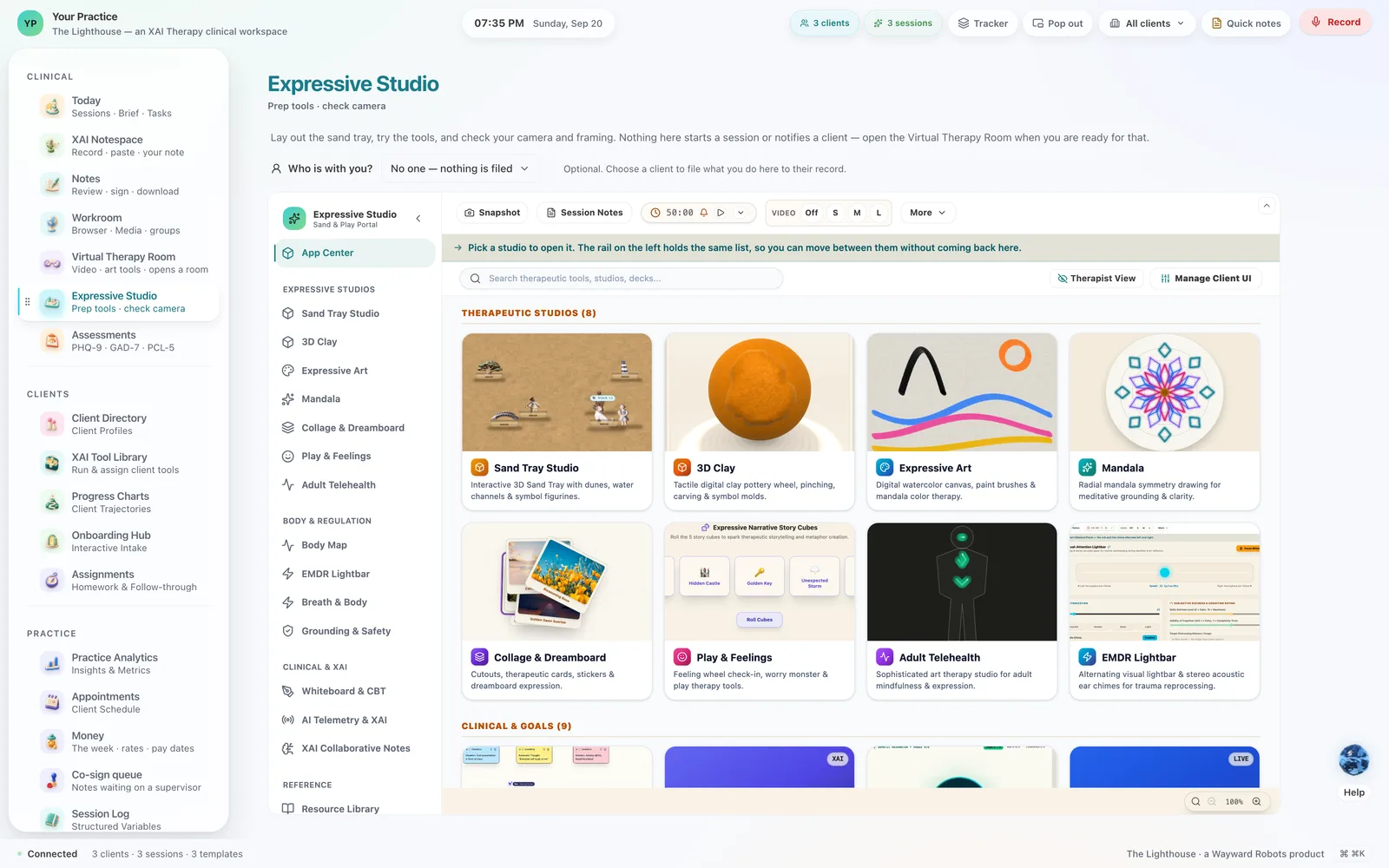
Rooms for the things that arrive before words.
Sand tray, clay, collage, whiteboard, play, EMDR, grounding. A child who has no sentence for it builds it in the sand instead; a couple at an impasse put the same board down between them. The clay is real three-dimensional clay, and the marks you make arrive on their screen as marks.
The week between sessions
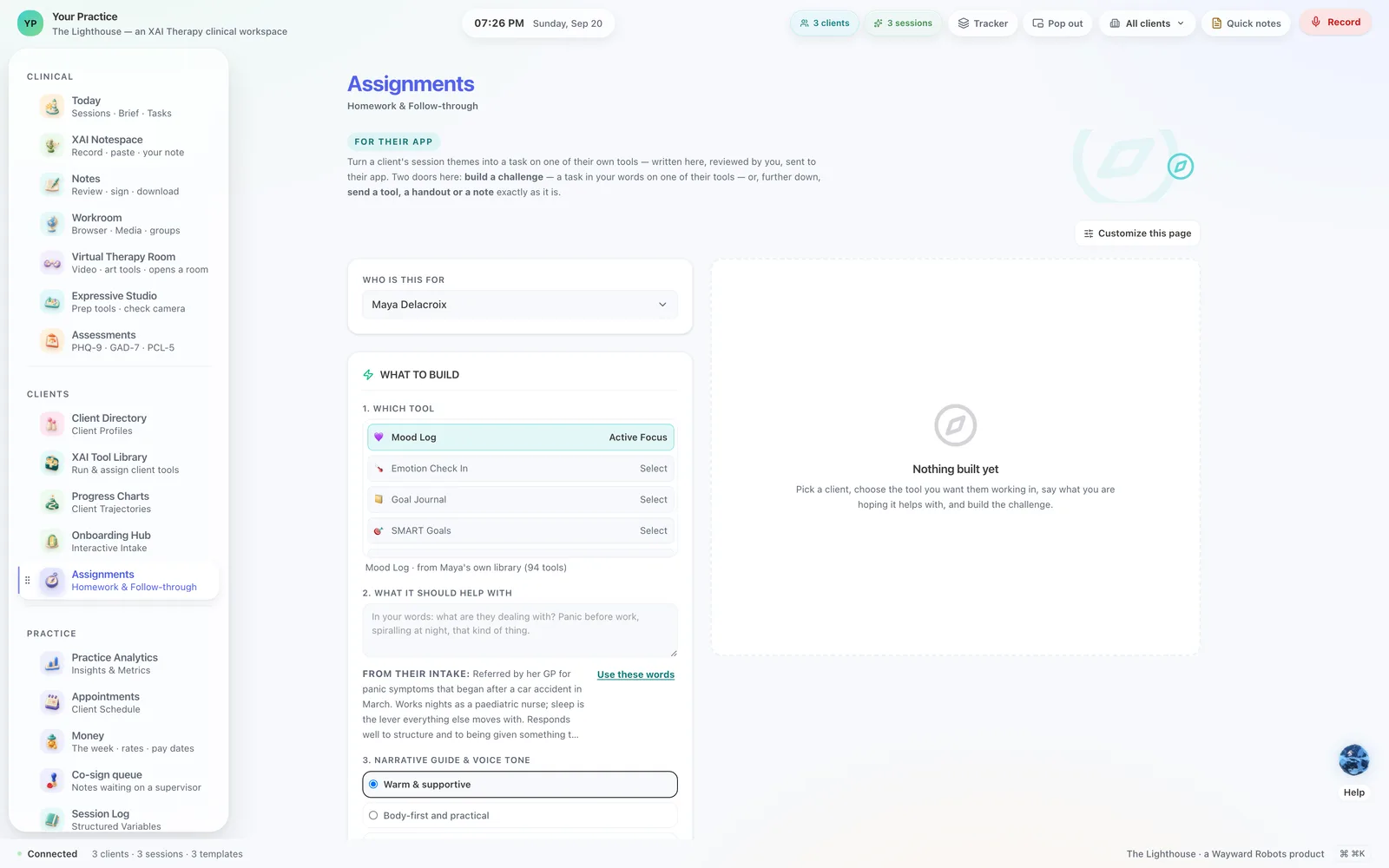
Send a tool. A receipt comes back.
Your client has an app of their own — an island, a voyage or a shore. Choose a tool here in one tap and it opens on their phone; when they use it, their app's own record comes home to their card. Evidence that the work happened, rather than a question at the start of the next hour.
The rest of the practice
Twenty-seven screens, and one workspace.
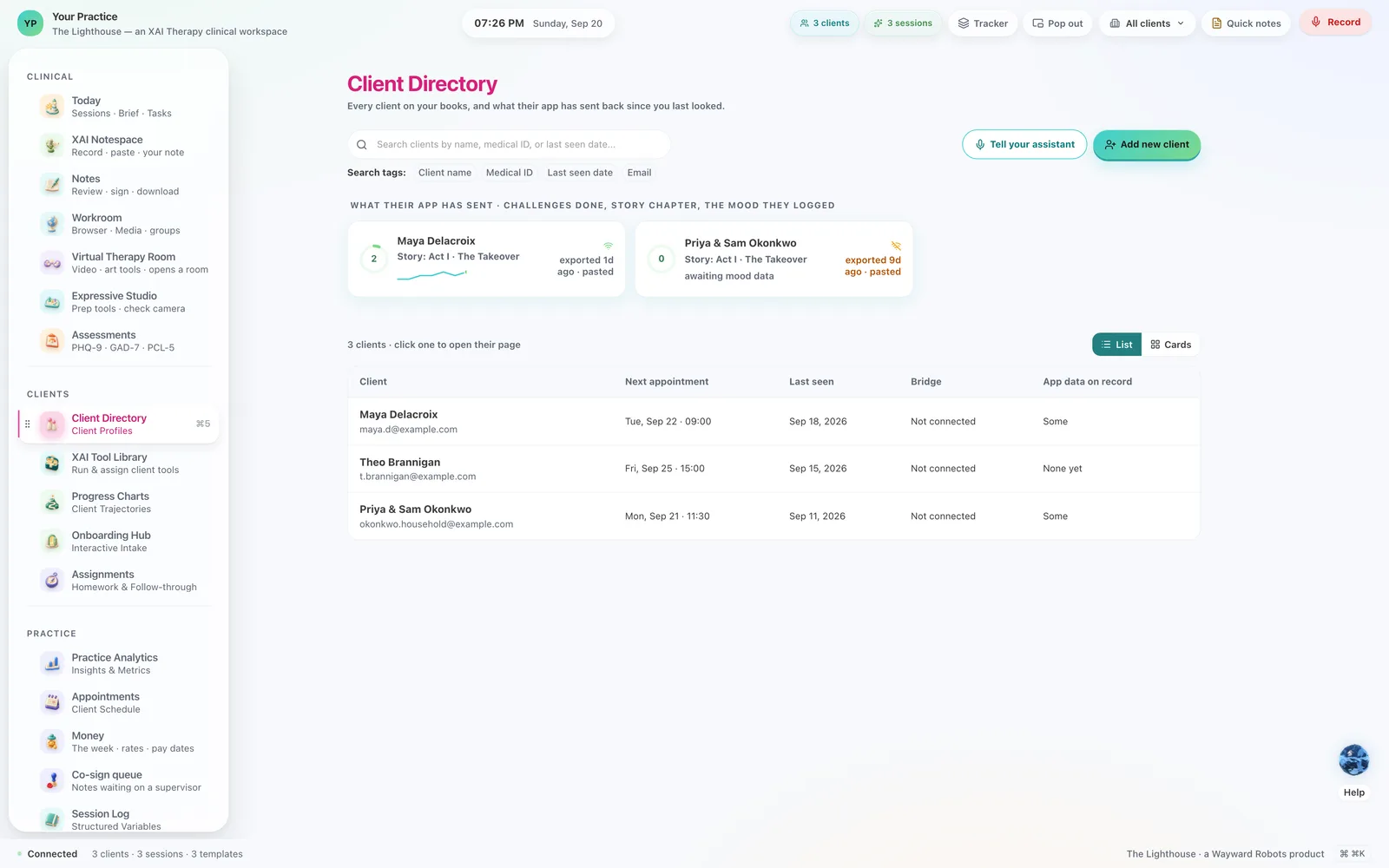
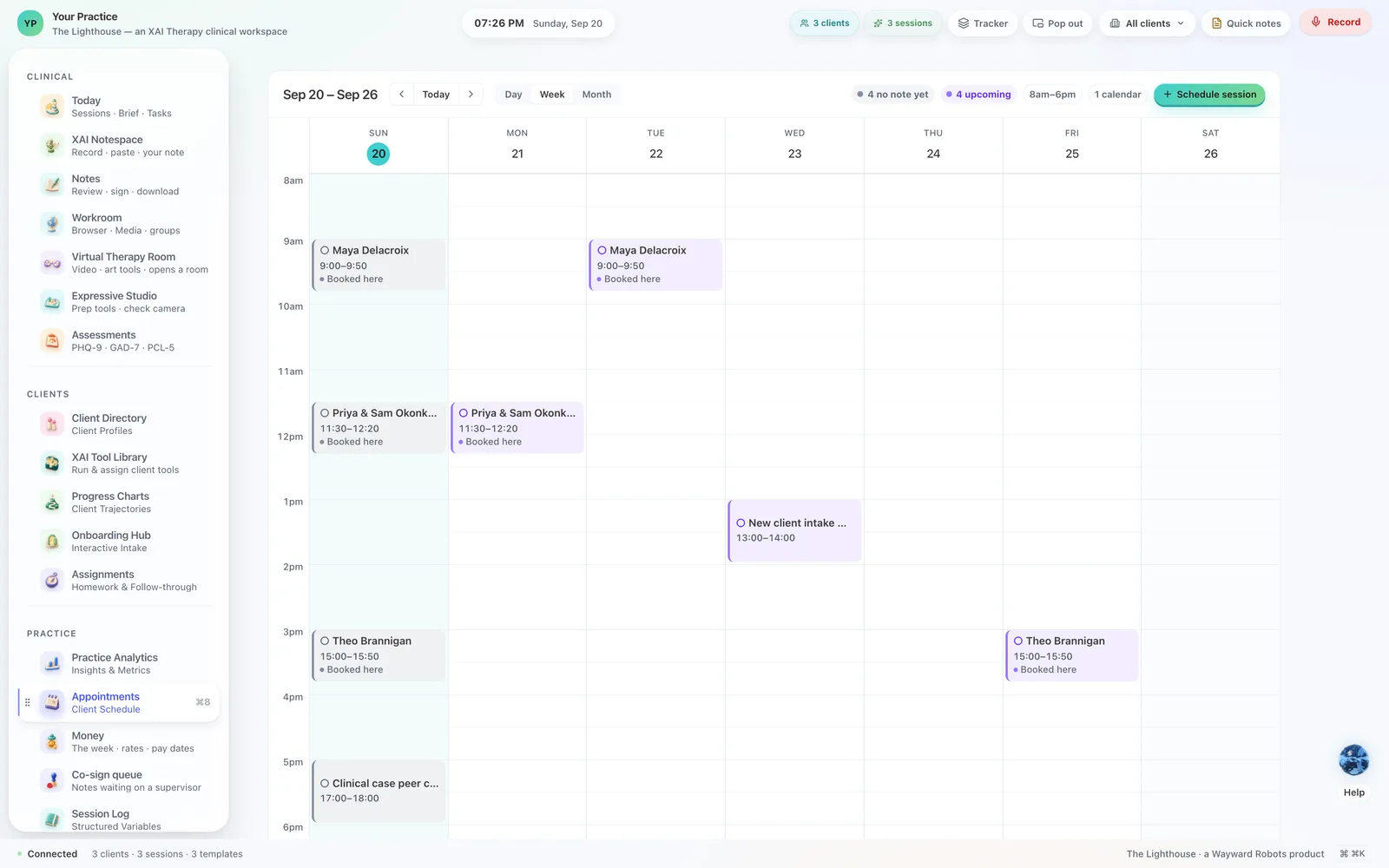
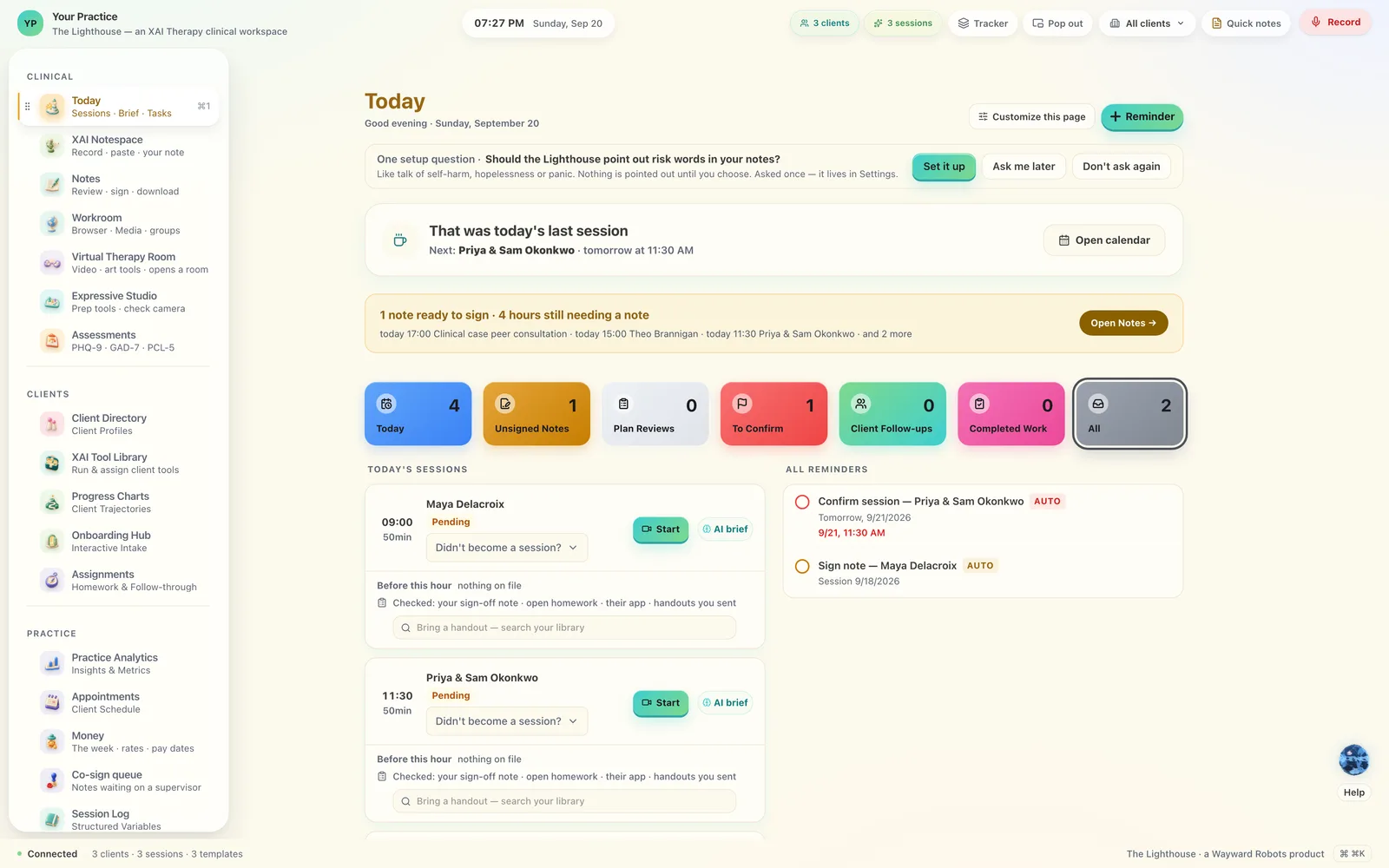
Appointments, the money, assessments scored and kept with the person they belong to, progress you can see, a supervisor's co-sign queue, your own library of handouts. Every screen has an object of its own, sculpted and lit, so the place you are in is something you recognise rather than something you read.



Make it yours
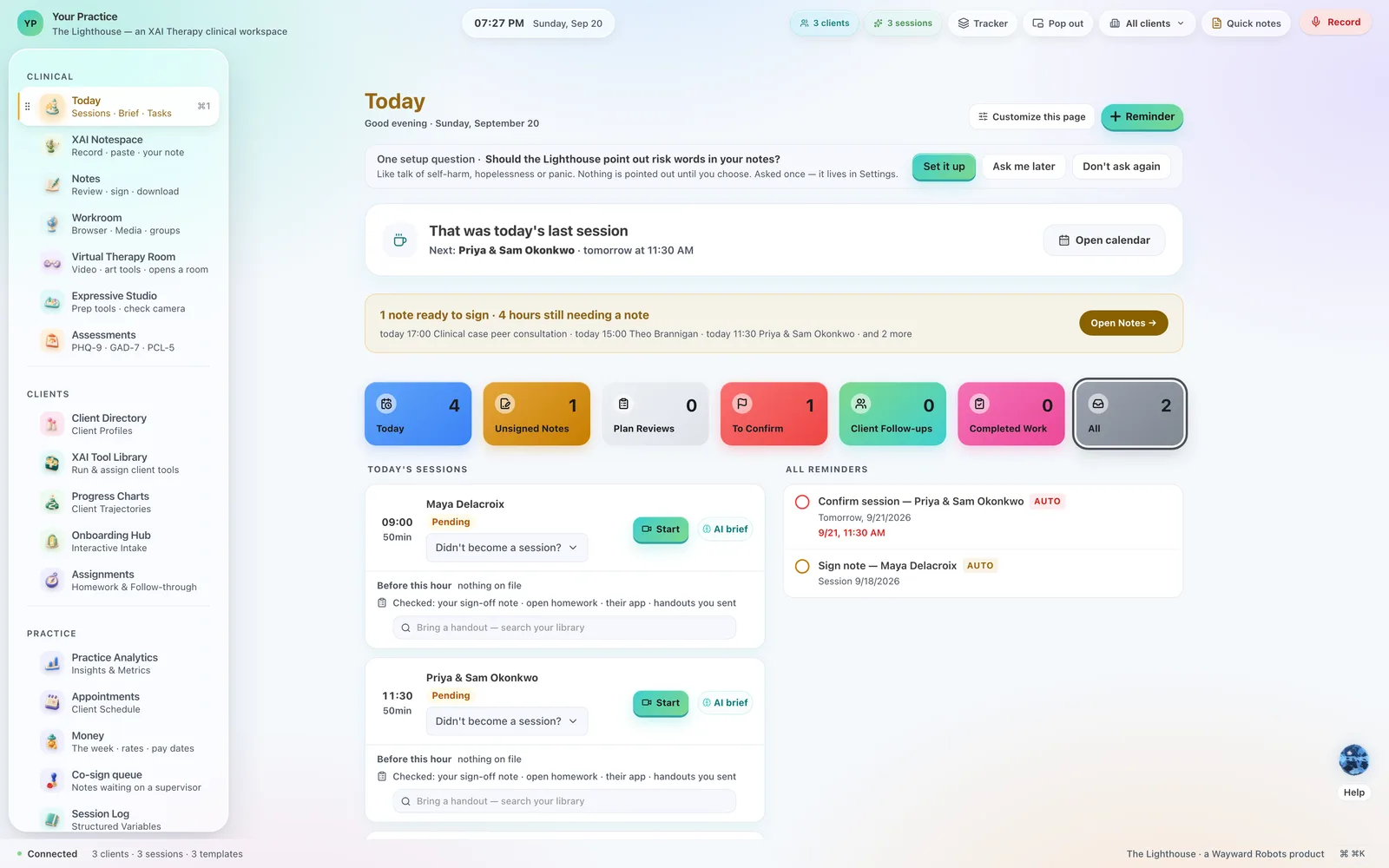
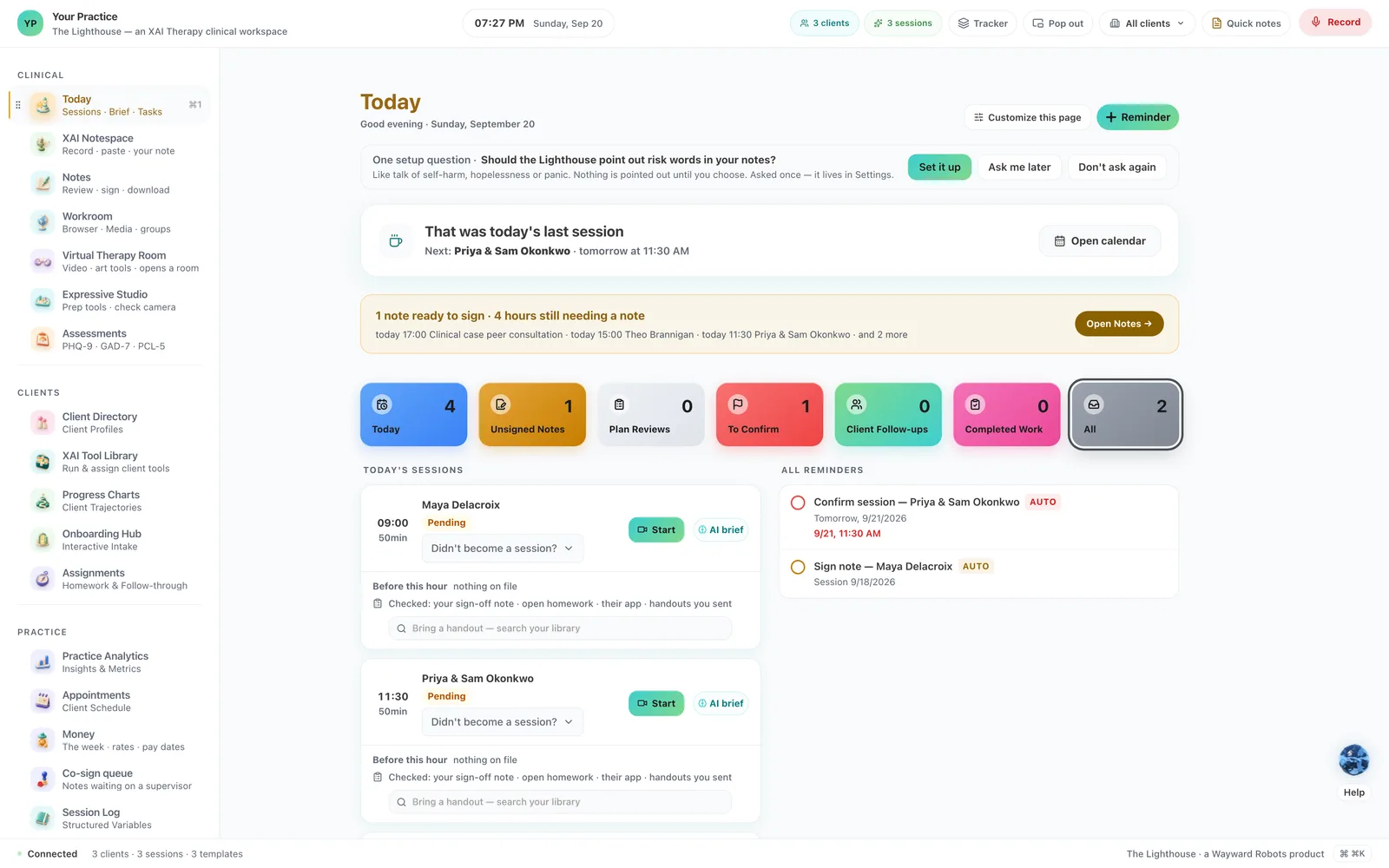
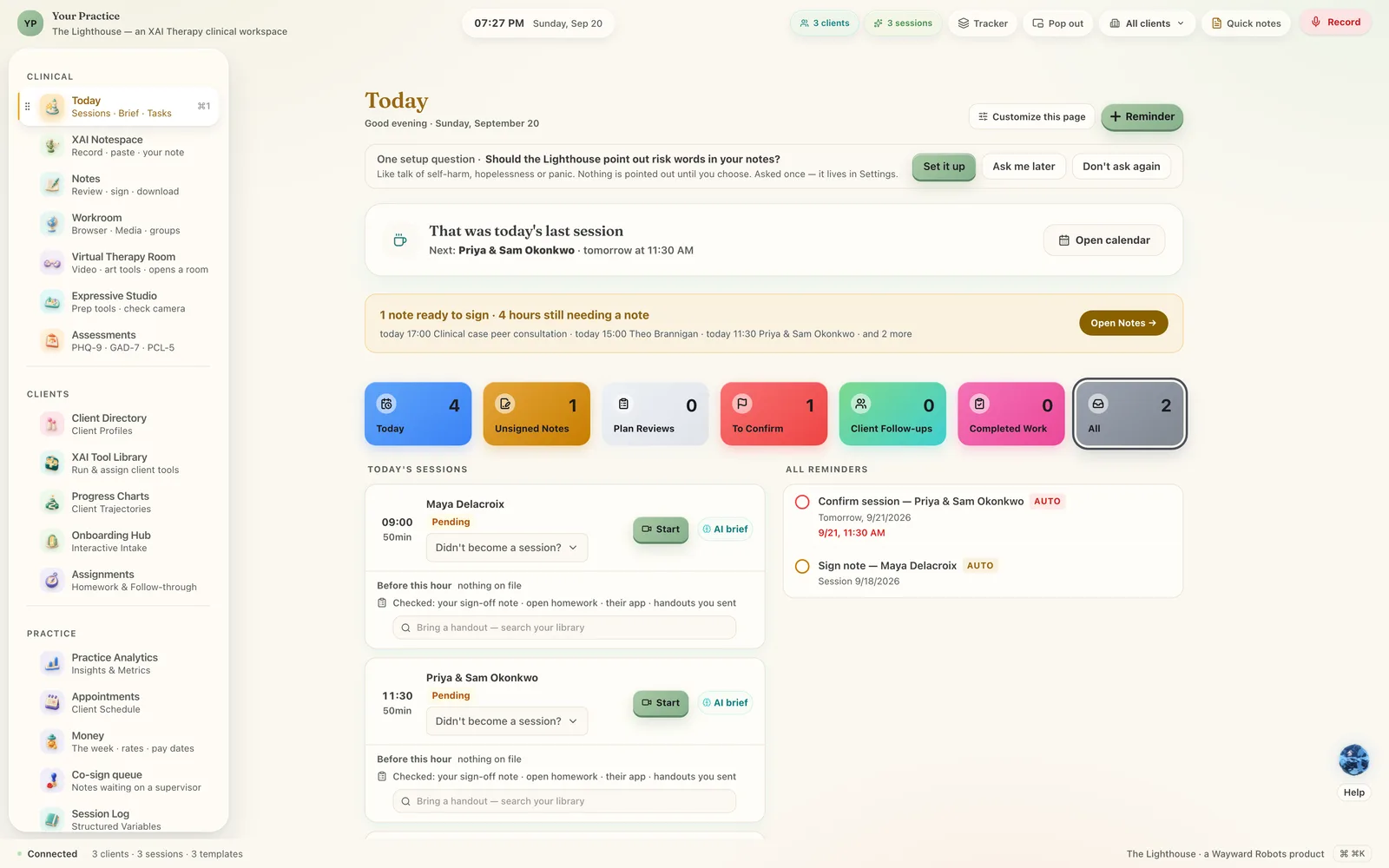
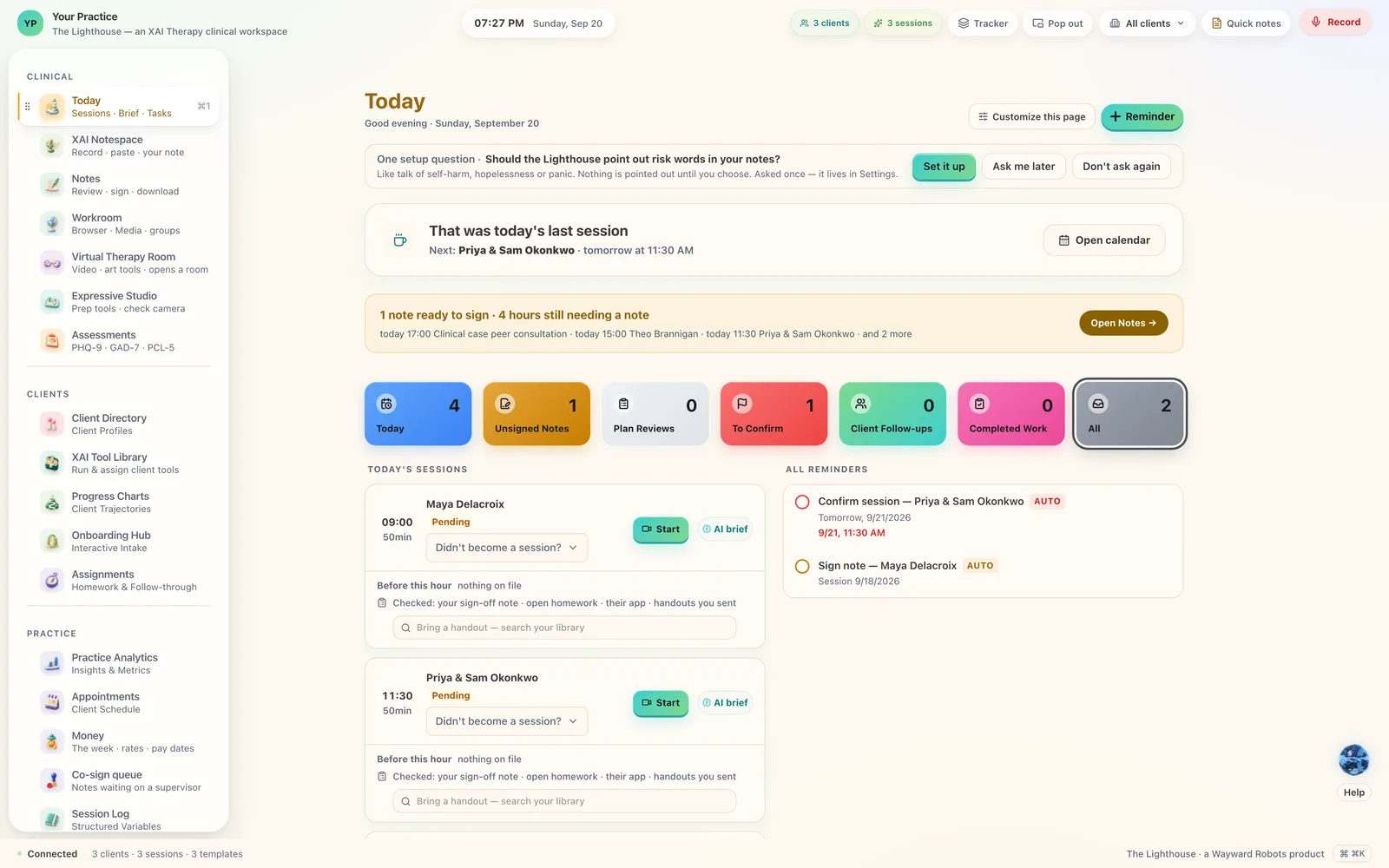
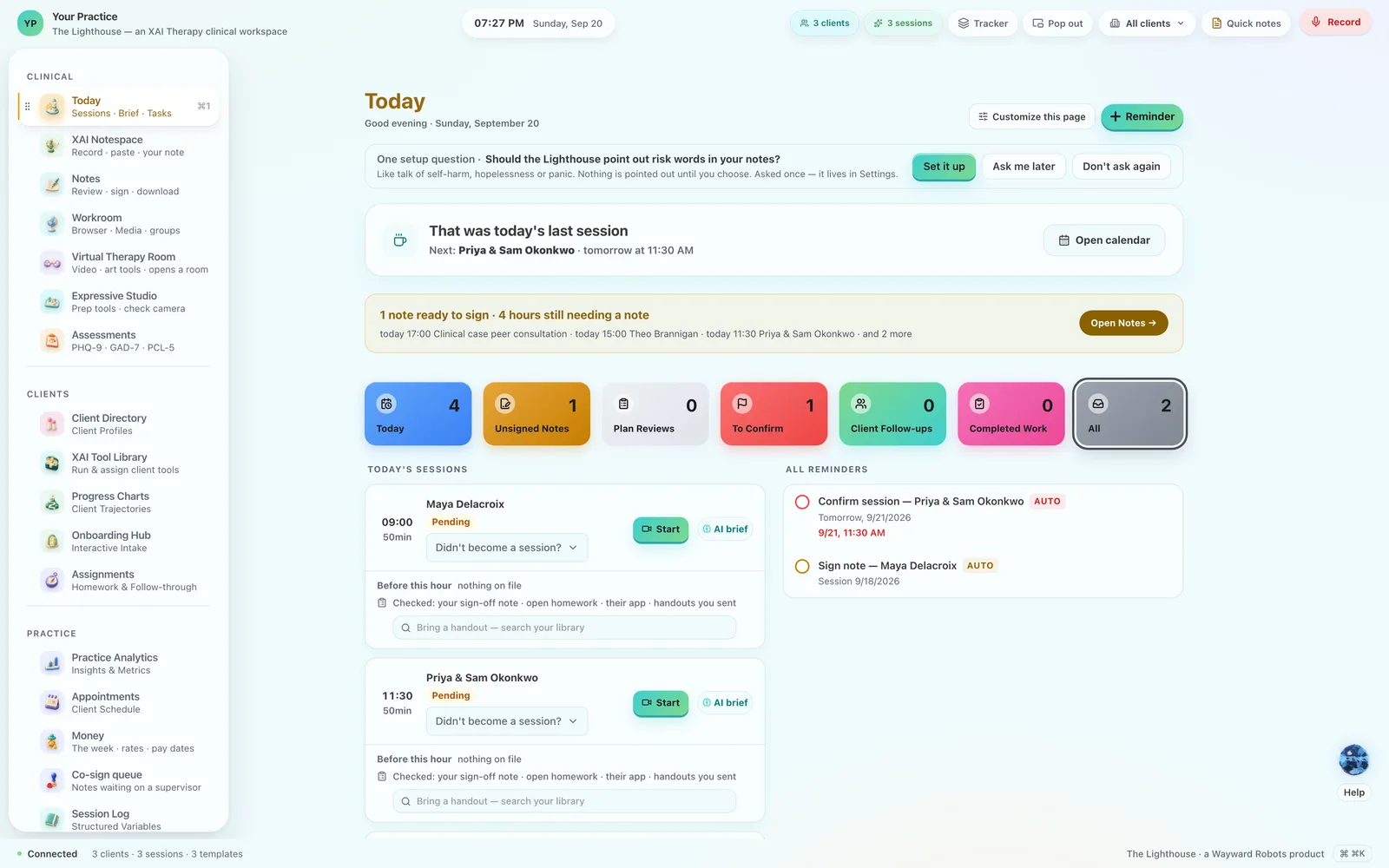
Seven ways to dress the same room.
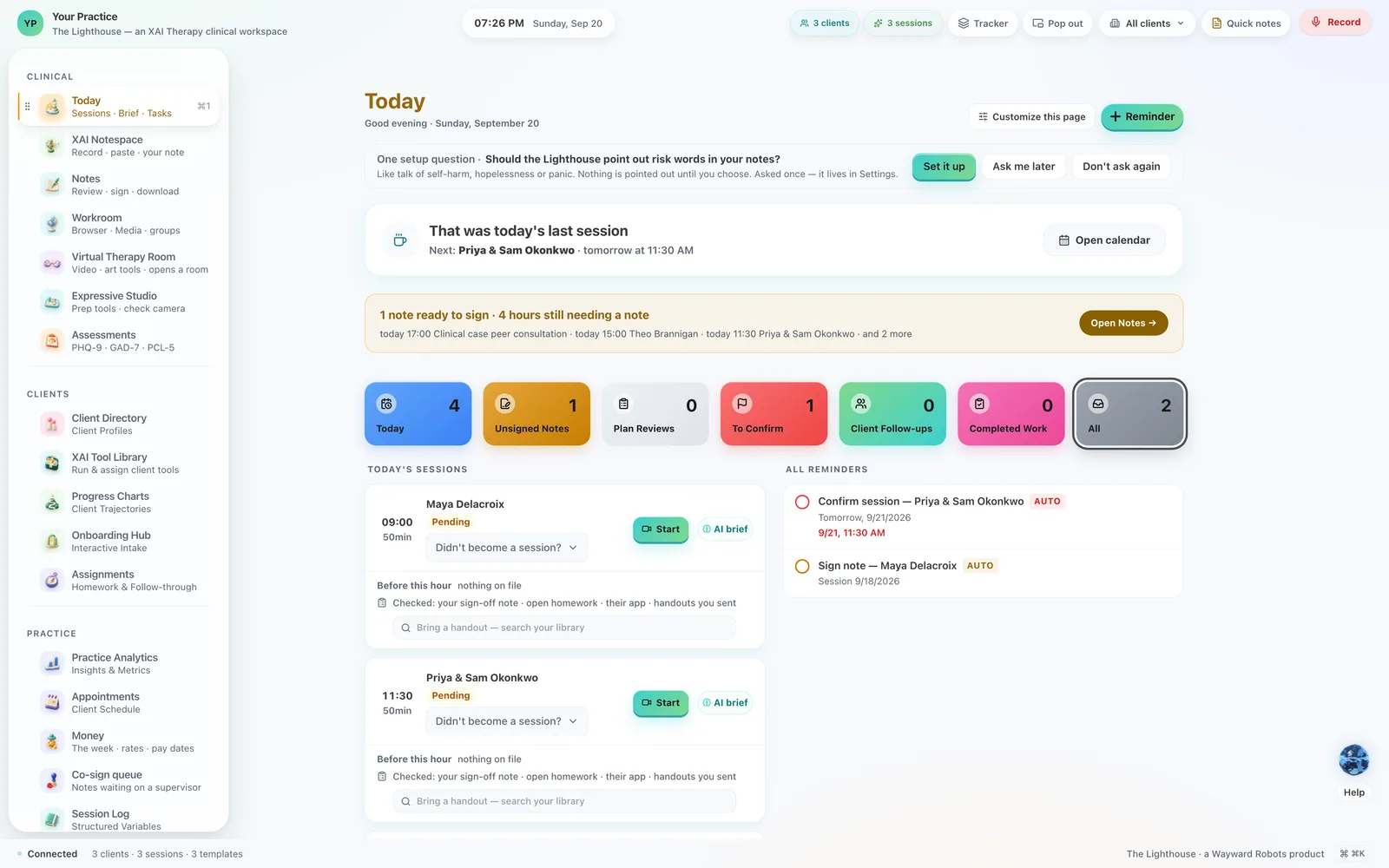
The workspace keeps its shape, its words and its place; a skin changes its warmth and the colour it is drawn in. The tiles that mean something — today, unsigned, to confirm — hold their colours in every one.
Getting started
A download, a double-click, and the questions that make it yours.
It asks how the workspace should look, how you write your notes, and where you want help to come from — and the one long step, fetching a model to run on your own machine, you can skip and do later. You can stop halfway and come back to it. By the end the workspace is wearing your practice's name, your colours and your own wording, and you have recorded a first hour to see it work. Mac and Windows, your own computer, your own copy.